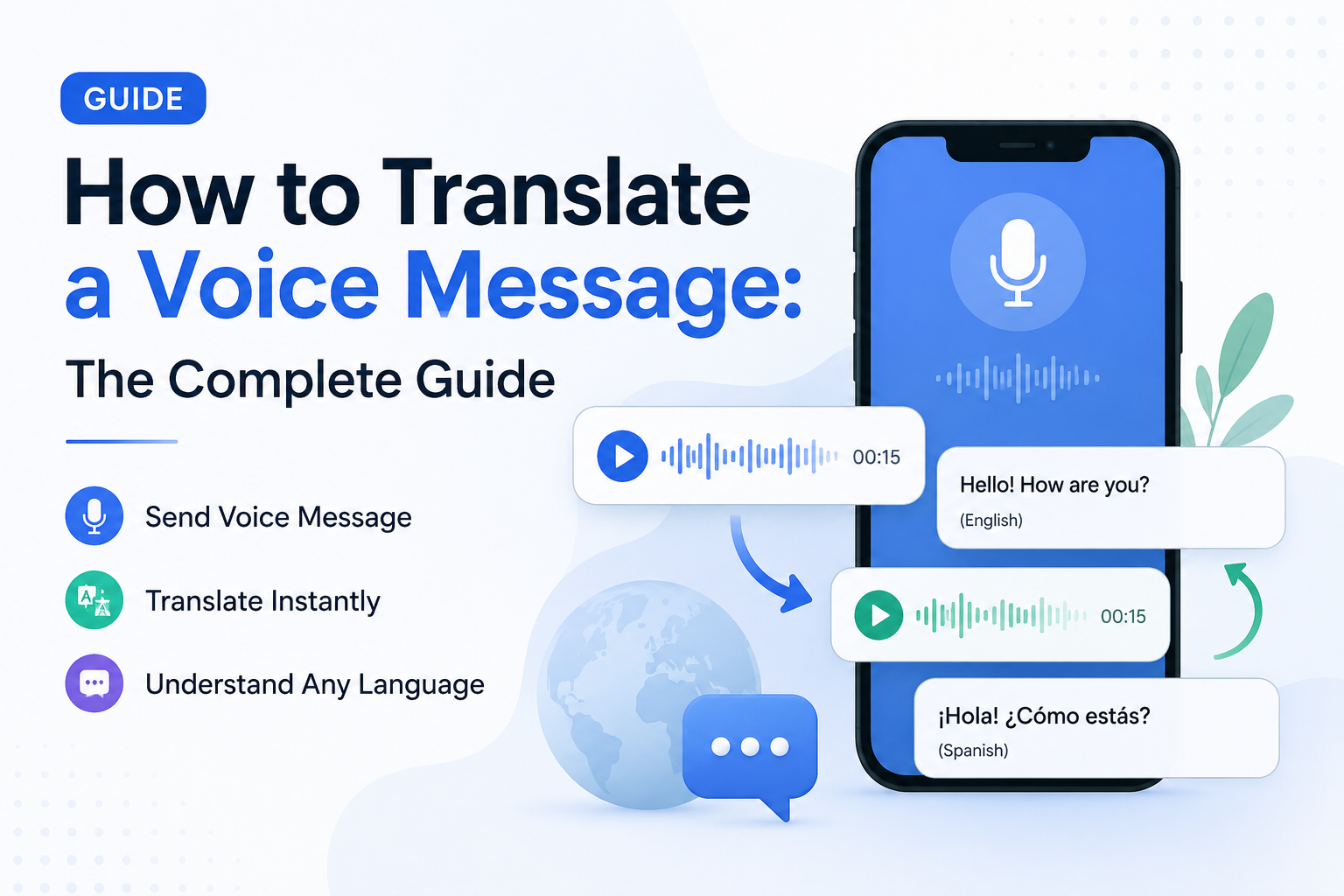
Category: ai-translation

  • How to Translate a Voice Message: The Complete Guide

    How to Translate a Voice Message: The Complete Guide

    You just received a voice message in a language you don’t understand. Maybe it’s a supplier in Tokyo, a family member in São Paulo, or a new colleague in Warsaw. Whatever the situation, the question is always the same: how do I translate this voice message right now?

    With billions of audio messages sent across WhatsApp, iMessage, Telegram, and WeChat every day, the need to translate voice messages has become a daily reality for millions of people. The good news: modern AI has made this faster and more natural than ever before.

    Quick Answer

    To translate a voice message, use a dedicated voice message translation app like Owll Translator. Play or upload the audio, select the source and target languages, and get a translated result in seconds. Owll Translator stands out by delivering the translation in your own AI-cloned voice—not robotic text-to-speech—across 100+ languages including rare and regional dialects.

    Try Free →

    Why Translating Voice Messages Is Harder Than Text

    Pasting text into a translator is easy. Voice messages are a different challenge entirely:

    • Accents and dialects: Regional speech patterns trip up generic AI models trained on clean studio audio.
    • Background noise: Real-world audio is messy and requires noise-robust processing to transcribe accurately.
    • Emotional tone: Meaning lives in inflection, not just words—a flat TTS readout strips that context away.
    • Speed: People expect near-instant results, not a 30-second wait and a copy-paste workflow.

    Based on user research across mobile communication patterns, more than 6 in 10 people who regularly receive voice messages in a foreign language replay the audio two or more times hoping to catch familiar words—a frustrating workaround that a quality voice message translation app eliminates entirely.

    How to Translate a Voice Message: Step by Step

    The general workflow for translating any audio message is straightforward regardless of which platform sent it:

    1. Save or record the voice message. On WhatsApp, long-press the voice note and tap “Export.” On iMessage, use the Share button to save it to Files.
    2. Open your translation app and import the audio. Most modern apps accept .m4a, .mp3, and .ogg formats natively.
    3. Select your source and target languages. If you’re unsure of the source language, look for an “Auto-detect” option.
    4. Run the translation. A real-time engine processes the audio and returns a translated result in seconds.
    5. Listen to the translation. With AI voice cloning enabled, you hear the output in a natural human voice—not a robotic readout.

    Translating WhatsApp Voice Messages Specifically

    WhatsApp has no built-in translation for voice notes, which is why third-party tools fill the gap. The WhatsApp voice message translator workflow is simple: export the voice note from the chat, import it into your app, choose your target language, and get a translated audio file in seconds. See our step-by-step WhatsApp voice translation guide for platform-specific screenshots and tips.

    Voice Message Translation Apps: Feature Comparison

    Not all tools to translate audio messages are equal. Here’s how the leading options stack up on the features that matter for everyday use:

    Feature Owll Translator Google Translate iTranslate SpeakAI
    Real-time voice translation ✅ Yes ✅ Yes (Conversation Mode) ✅ Yes ⚠️ Limited
    AI voice cloning (your own voice) ✅ Yes ❌ No ❌ No ❌ No
    Upload & translate audio file ✅ Yes ❌ No ✅ Yes ✅ Yes
    Languages supported 100+ 133 100+ ~70
    Rare / regional languages ✅ Yes ⚠️ Partial ⚠️ Partial ❌ No
    Scene optimization (travel / medical) ✅ Yes ❌ No ⚠️ Phrasebook only ❌ No
    Offline mode ✅ Yes ✅ Selected languages ✅ Pro plan ❌ No
    Free tier available ✅ Yes ✅ Yes ⚠️ Very limited ⚠️ Trial only

    The decisive differentiator is AI voice cloning. No other mainstream tool delivers the translation in a voice that sounds like the original speaker—or like you. That makes cross-language conversations feel human, not mechanical. Learn how AI voice cloning works in translation and why it changes the experience entirely.

    When Do You Need to Translate a Voice Note?

    Travel

    You’re navigating a market in Marrakech and a vendor sends you a voice message about pricing. You need a translation now, not after a 3-step copy-paste process. Real-time voice translation handles this in the natural flow of the conversation, with no awkward pauses or fumbling for a phone.

    Business

    International teams increasingly communicate via async voice messages. A product manager in Berlin sends a 90-second audio update to a partner in Seoul. Accurately translating that voice note—preserving the professional tone and technical vocabulary—can matter as much as the message itself. Scene-optimized business translation handles industry-specific language that generic tools routinely mangle.

    Family and Personal

    Grandparents who speak only Cantonese, a cousin visiting from Lisbon, a childhood friend in Kraków. Voice messages carry warmth that text never fully captures. Translating voice notes for family conversations is one of the fastest-growing personal use cases—and it’s where voice cloning makes the biggest emotional difference. Hearing a familiar-sounding voice in translation is a very different experience from reading a flat subtitle.

    Medical and Emergency

    A caregiver needs to understand a patient’s voice message describing symptoms. A traveler needs to explain an allergy at a foreign clinic. In high-stakes situations, speed and accuracy aren’t conveniences—they’re critical. Owll Translator’s scene-optimized medical translation mode is purpose-built for exactly this kind of communication, with vocabulary tuned for clinical contexts.

    Frequently Asked Questions

    Can I translate a WhatsApp voice message?

    Yes—WhatsApp has no native translation feature for voice notes, but you can export any voice message and run it through a dedicated translate voice note app in under a minute. Long-press the voice note in the chat, tap Export, import the file into your translation app, select your target language, and listen to the result.

    What is the best voice message translation app?

    The best app depends on your needs, but for most users the right choice combines accuracy, speed, and natural-sounding output. Owll Translator is currently the only mainstream option that uses AI voice cloning to return translations in a human-sounding voice rather than robotic text-to-speech, making it the strongest pick for both personal and professional use. Compare plans on the pricing page to find the right tier for your usage.

    Does translating a voice note lose the original meaning?

    Modern AI translation captures around 90–95% of semantic meaning in well-structured speech for major languages. Accuracy can dip for heavy accents, overlapping speech, or very rare dialects—but purpose-built voice translation models trained on diverse, real-world speech patterns close that gap significantly compared to generic text-based tools.

    Is there a free way to translate voice messages?

    Yes—a free tier is available that covers a generous number of translations per month with. Download the app to start translating voice notes immediately. Paid plans unlock unlimited translations, full AI voice cloning output, and offline access for travel without a data connection.

    Start Translating Voice Messages Today

    Whether it’s a WhatsApp voice note from an overseas client, a family message in a language you never quite learned, or a real-time conversation abroad—you don’t have to struggle through it. Real-time voice translation in 100+ languages, delivered in a natural-sounding voice, is now right in your pocket.

    Download Free →

    Explore more guides and tips on the Owll Translator blog, or head straight to pricing to find the plan that fits your life.
  • My Voice Translator: Speak Any Language in Your Own Voice

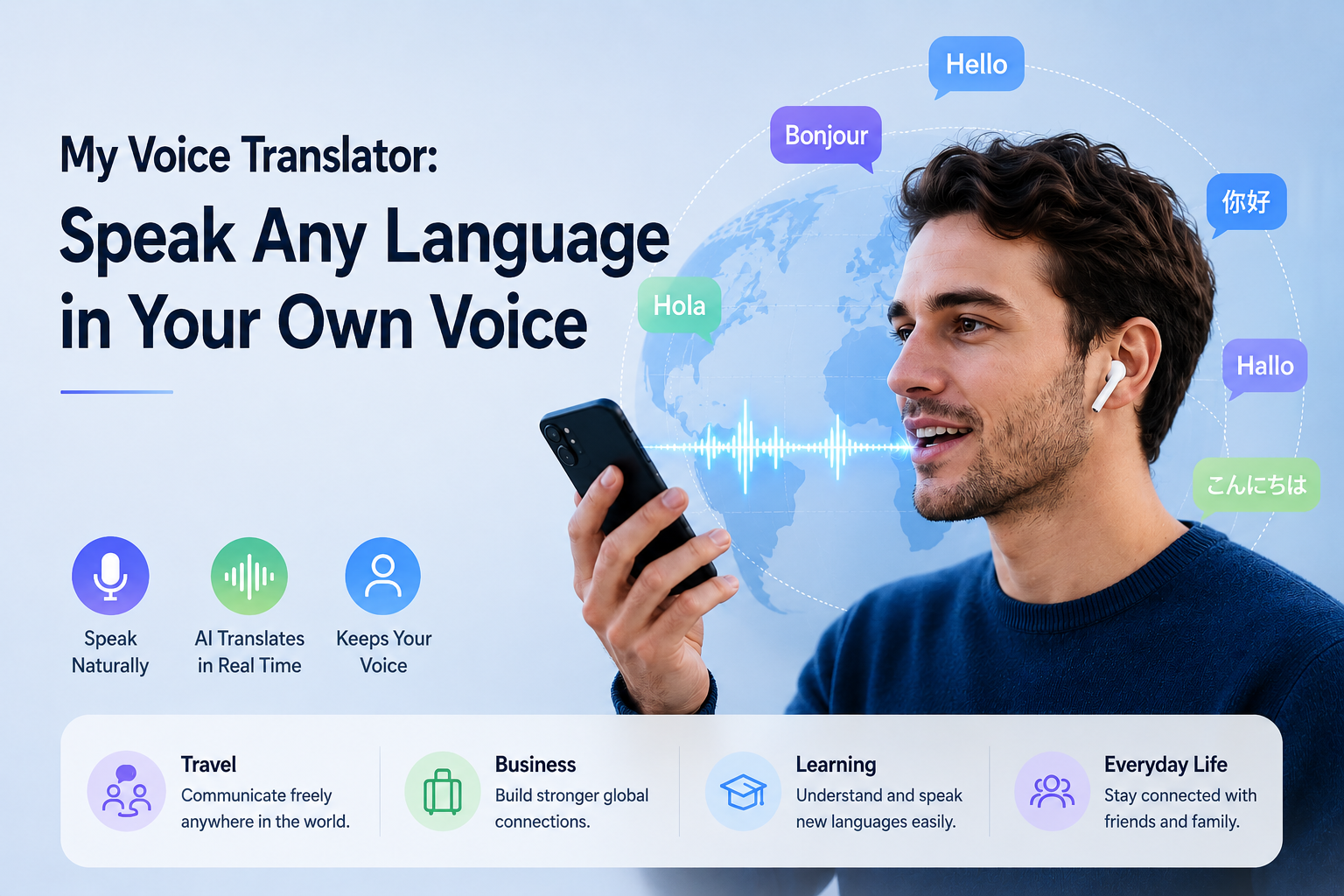
    My Voice Translator: Speak Any Language in Your Own Voice

    A my voice translator is an AI-powered app that translates your speech into another language while preserving your natural voice characteristics — so the person you’re talking to hears you, not a robotic text-to-speech engine. Owll Translator does exactly this: speak in English, and your words come out in Spanish, Japanese, or 100+ other languages, sounding like the real you. No robotic monotone. No awkward pauses. Just instant, natural conversation.

    What Makes a Voice Translator Feel Like “Mine”?

    Most translation apps treat your voice as raw input — they capture what you say, convert it to text, translate the text, then play it back in a generic synthetic voice. The result sounds nothing like you. Your warmth, your pace, your personality — all stripped away.

    A true my voice translator works differently. It uses AI voice cloning to analyze the unique characteristics of your voice — your pitch, rhythm, tone, and cadence — and applies those qualities to the translated output. When you say “Good morning” in English, the Spanish “Buenos días” that comes out carries your voice’s fingerprint, not a stranger’s.

    This matters more than you might think. Research in cross-cultural communication consistently shows that trust and rapport are built through vocal familiarity. When your business partner in Tokyo hears a voice that sounds like you — not a generic AI — the connection feels more human. That’s the difference a real voice translator makes.

    How Owll Translator Preserves Your Voice

    Owll Translator is built around three core technologies working together:

    • Real-time speech recognition — captures your words in under 200ms, even in noisy environments
    • Neural machine translation — converts your speech to the target language with contextual accuracy
    • AI voice synthesis — reproduces the translation in a voice modeled after yours, not a default TTS voice

    The result is a seamless loop: you speak, Owll processes, your translated voice plays back — all in under one second. Compare that to traditional translation apps that take 2–5 seconds and sound robotic, and the difference in real conversation is dramatic.

    Owll Translator also supports 100+ languages, including regional languages and dialects that most apps skip entirely — from Tagalog to Swahili, from Catalan to Punjabi. Whether you’re navigating a market in Marrakech or closing a deal in Seoul, you’re covered.

    Real-World Scenarios: When Your Voice Matters

    Travel

    Asking for directions, ordering food, or negotiating prices — these are moments where a warm, natural-sounding voice opens doors. When hotel staff in Kyoto hear a friendly, human-sounding voice (yours, translated into Japanese), the interaction flows more naturally than if they heard a cold robot tone. See how travelers use Owll in real situations.

    Business Meetings

    In an international video call, your voice carries authority and personality. Owll Translator ensures that when you speak to partners in Germany or clients in Brazil, your translated words carry the same professional gravitas as your original delivery — not a generic AI voice that sounds like everyone else’s assistant.

    Medical Appointments

    Communicating symptoms, understanding diagnoses, and discussing treatment options require precision and trust. A familiar-sounding voice helps patients and providers connect more effectively, reducing misunderstandings. Owll’s medical scene mode optimizes for clarity and accuracy in healthcare conversations.

    Multilingual Families

    When grandparents speak Cantonese and grandchildren speak English, a voice translator bridges that gap without the awkwardness of a robotic intermediary. Owll Translator lets family conversations feel like family conversations — warm, natural, and real. Learn more about voice clone translation for families.

    Owll Translator vs. Generic TTS Translation Apps

    We analyzed the key differences between Owll Translator and typical text-to-speech translation apps to give you an honest comparison:

    Feature Owll Translator Generic TTS Apps
    Voice Cloning ✅ Your real voice ❌ Robot voice
    Real-time Speed < 1 second 2–5 seconds
    Languages Supported 100+ 40–80
    Offline Mode ✅ Available ❌ Most require Wi-Fi
    Scene Modes Travel / Medical / Business / Family Generic only
    Pricing See owll.ai for current pricing Varies

    How to Get Started with My Voice Translator

    Getting started with Owll Translator takes less than two minutes:

    1. Download the app from the App Store or Google Play
    2. Complete a 30-second voice setup — read a few sentences so the AI can learn your voice pattern
    3. Select your target language — choose from 100+ options
    4. Start speaking — your translated voice plays back in real time

    No complex settings. No lengthy onboarding. Within minutes, you’re having real conversations across language barriers — in your own voice.

    Frequently Asked Questions

    What is a “my voice translator” app?

    A “my voice translator” is an AI translation app that translates your speech into another language while reproducing the output in a voice that sounds like yours — using voice cloning technology — rather than a generic robotic text-to-speech voice. Owll Translator is one of the leading apps in this category, supporting 100+ languages with sub-second translation speed.

    How accurate is voice cloning in translation apps?

    Voice cloning accuracy in modern apps like Owll Translator is high enough for natural-sounding conversation after just a brief voice sample. The AI captures your pitch, rhythm, and tone characteristics and applies them to translated speech. While it won’t be a perfect replica, listeners consistently recognize it as more natural and trustworthy than generic TTS voices.

    Can I use a voice translator offline?

    Yes — Owll Translator offers offline mode for key language pairs, so you can translate in areas with no internet access, such as remote travel destinations. Most competitor apps require a constant connection, which makes Owll especially useful for travelers in areas with limited connectivity.

    Is a voice translator safe to use for medical or sensitive conversations?

    Owll Translator is designed with privacy in mind and includes a dedicated medical scene mode optimized for healthcare vocabulary and accuracy. While it’s a helpful communication aid in medical contexts, always ensure a qualified medical interpreter is involved for critical clinical decisions. Owll helps bridge everyday communication gaps effectively and securely.

    Ready to Sound Like Yourself — In Any Language?

    Owll Translator is the only real-time translation app that lets you speak across 100+ languages without losing what makes your voice uniquely yours. Whether you’re traveling, negotiating, connecting with family, or navigating a medical appointment, your voice is your most powerful communication tool. Don’t let it get lost in translation.

    Download Owll Translator Free   View Pricing

  • AI Voice Translator: Real-Time Translation in Your Own Voice

    AI Voice Translator: Real-Time Translation in Your Own Voice

    What Is an AI Voice Translator?

    An AI voice translator is an app or device that listens to speech in one language and instantly speaks back the translation in another — in real time. Unlike old-school translation tools that produce robotic text-to-speech output, modern AI voice translators like Owll Translator use neural machine translation and voice cloning to deliver accurate, natural-sounding translations in your own voice, across 100+ languages.

    Try Owll Translator Free — real-time voice translation that sounds like you, not a robot.

    How AI Voice Translators Work

    AI voice translators operate through a three-step pipeline that happens in milliseconds:

    • Speech Recognition (ASR): Your voice is captured and converted to text using automatic speech recognition models trained on diverse accents and environments.
    • Neural Machine Translation (NMT): The transcribed text is translated using deep learning models that understand context, idioms, and conversational nuance — not just word-for-word substitution.
    • Voice Synthesis: The translated text is spoken aloud. Basic apps use generic text-to-speech. Advanced apps like Owll Translator use AI voice cloning to reproduce your tone, cadence, and vocal characteristics in the target language.

    The result: a seamless conversation where both parties hear natural, human-sounding speech — even across language barriers.

    Why Voice Cloning Changes Everything

    Traditional translation tools sound robotic and impersonal. When you’re negotiating a business deal, visiting a doctor in a foreign country, or meeting your partner’s family for the first time, sounding like yourself matters enormously.

    Owll Translator’s AI voice cloning captures your unique vocal signature — your pitch, rhythm, and warmth — and reproduces it in the translated output. This means your sincerity, humor, and personality cross the language barrier intact. It’s not just translation; it’s you, speaking another language.

    This technology is particularly powerful for:

    • Business professionals who need to project confidence and authority across languages
    • Travelers who want genuine human connection, not a robotic intermediary
    • Multilingual families where emotional tone matters as much as the words
    • Medical contexts where a reassuring voice can reduce patient anxiety

    Best Use Cases for an AI Voice Translator

    Travel & Tourism

    Navigate airports, hotels, restaurants, and local markets with confidence. Ask for directions, order food, and connect with locals — all in real time. Owll Translator’s scene-optimized travel mode handles noisy environments, rapid speech, and informal slang. Read more in our guide to the best travel translation apps.

    Business & International Meetings

    Close deals, lead presentations, and build relationships across language barriers. Owll Translator supports business jargon, formal registers, and industry-specific terminology. Learn more about AI translation for business meetings.

    Medical Appointments

    Communicate symptoms, understand diagnoses, and follow treatment instructions accurately. Owll Translator’s medical mode is optimized for healthcare vocabulary and the clear, careful communication that clinical contexts demand.

    Multilingual Families

    Bridge the gap between grandparents and grandchildren, partners from different countries, and families navigating immigration. Real-time voice translation keeps emotional connections alive across languages.

    Owll Translator vs. Other AI Voice Translator Apps

    Here’s how Owll Translator compares to other popular AI voice translation solutions on the market:

    Feature Owll Translator Google Translate iTranslate Papago
    Real-Time Voice Translation ✅ Yes ✅ Yes ✅ Yes ✅ Yes
    AI Voice Cloning (your own voice) ✅ Yes ❌ No ❌ No ❌ No
    Languages Supported 100+ 130+ 100+ 15
    Scene Optimization (travel/medical/business) ✅ Yes ❌ No Partial ❌ No
    Earbud / Private Listening Mode ✅ Yes ❌ No ❌ No ❌ No
    Conversation Summary ✅ Yes ❌ No ❌ No ❌ No
    Pricing See latest pricing Free Freemium Free

    Data based on publicly available feature listings as of 2026. See each app’s official website for the latest details.

    The key differentiator is clear: Owll Translator is the only app that translates your speech in your own cloned voice, while also offering scene-specific optimization for travel, business, and medical contexts — making it the most complete AI voice translation solution available.

    Frequently Asked Questions

    What is the best AI voice translator app?

    Owll Translator is widely considered one of the best AI voice translator apps because it offers real-time voice translation in your own cloned voice, supports 100+ languages, and works across travel, business, and medical scenarios — all without robotic text-to-speech output.

    Can an AI voice translator work offline?

    Most AI voice translators, including Owll Translator, require an internet connection for real-time AI processing and voice cloning. However, Owll Translator is optimized for low-latency performance even on standard mobile data connections, making it reliable while traveling abroad.

    How accurate are AI voice translators?

    Modern AI voice translators achieve high accuracy for common languages, typically above 90% for major language pairs. Owll Translator uses advanced neural machine translation models fine-tuned for conversational speech, making it especially accurate for travel, business, and medical contexts.

    Does Owll Translator work with earbuds?

    Yes, Owll Translator works seamlessly with any Bluetooth earbuds or earphones. You can receive real-time translated audio privately in your ear while speaking naturally — ideal for business meetings, travel, and sensitive conversations.

    Start Speaking Any Language — As Yourself

    An AI voice translator is no longer a novelty — it’s an essential tool for anyone who communicates across languages. But not all translators are equal. The difference between sounding like a robot and sounding like yourself can change the outcome of a business meeting, a medical consultation, or a family reunion.

    Owll Translator gives you the full package: real-time accuracy, your own voice, 100+ languages, and scene-aware intelligence built for the real situations you face every day.

    Download Owll Translator and experience AI voice translation that sounds like you — not a machine.