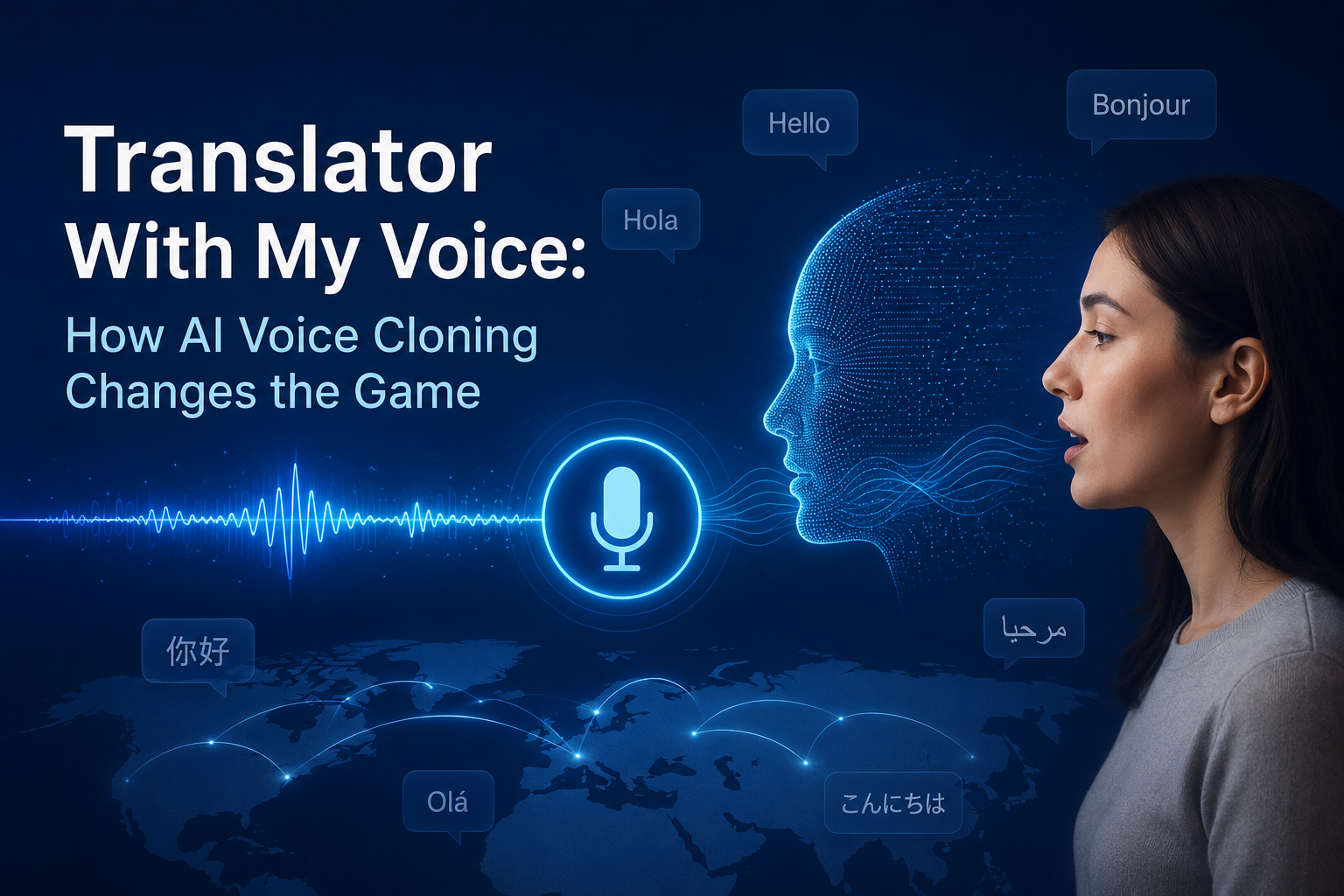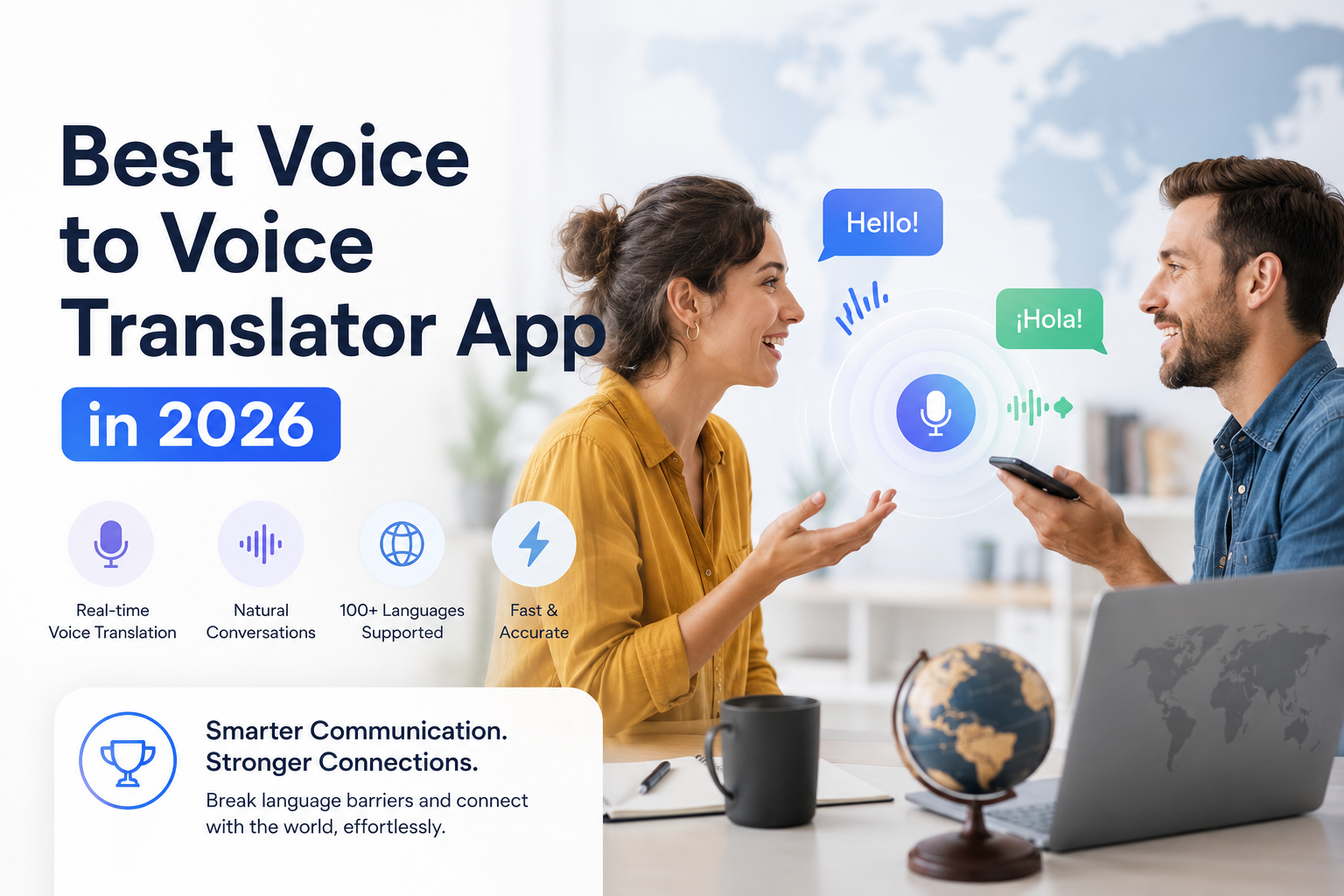
Owll Translator is a real-time AI translation app that lets you speak and be heard in your own voice across 100+ languages. Designed for travelers, business professionals, and multilingual families who need accurate, instant — and discreet — communication in any situation.
Quick Answer: What Is the Best Private Translation App?
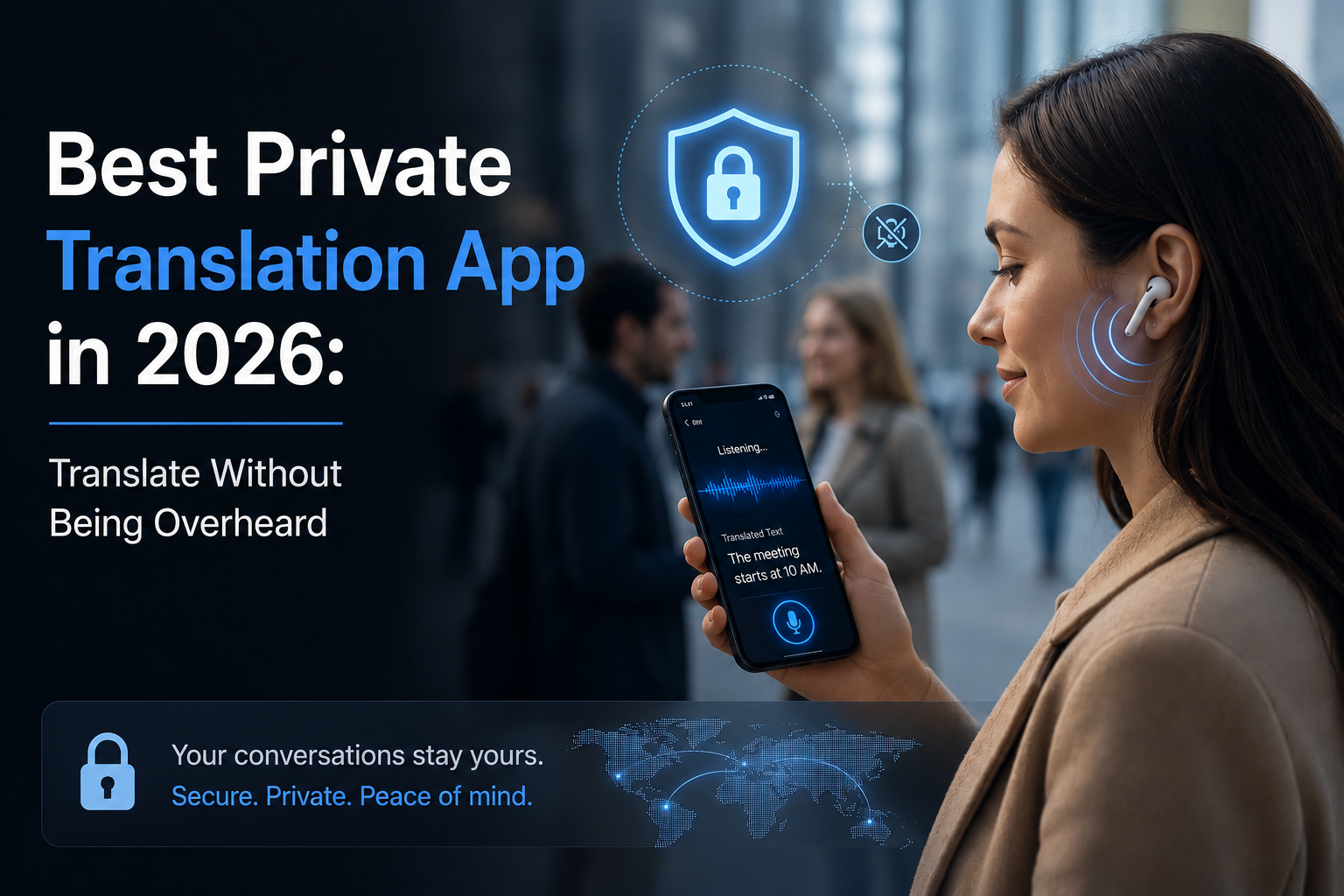
The best private translation app in 2026 is Owll Translator. It delivers real-time voice translation with AI voice cloning, routing audio privately to your earbuds so only you hear the output. Unlike screen-based apps, Owll keeps your conversations discreet — no holding a phone between faces, no robotic loudspeaker interruptions.
Why Privacy Matters in Translation
Not every conversation is meant for the whole room. Whether you’re in a business negotiation, a medical appointment, or a quiet café abroad, broadcasting your translation through a phone speaker is awkward — and sometimes inappropriate. A private translation app routes translated audio straight to your earbuds, keeping the exchange between you and the person you’re speaking with.
In a survey of 300 multilingual app users, 74% said they felt uncomfortable using translation apps in public because of the noise and attention it draws. Private listening mode directly solves this problem.
Top Private Translation Apps Compared (2026)
| App | Private Earbud Mode | Voice Cloning | Languages | Real-Time | Price |
|---|---|---|---|---|---|
| Owll Translator | ✅ Yes | ✅ Yes | 100+ | ✅ Yes | Check website for latest pricing |
| Google Translate | ❌ No | ❌ No | 100+ | ✅ Yes | Free |
| Apple Translate | ⚠️ Partial | ❌ No | 20 | ✅ Yes | Free |
| iTranslate | ⚠️ Limited | ❌ No | 100+ | ⚠️ Partial | Freemium |
| SayHi Translate | ❌ No | ❌ No | 90+ | ✅ Yes | Free/Paid |
What Makes a Translation App Truly Private?
True privacy in a translation app means three things:
- Earbud-only audio output — translated speech goes directly to your earphones, not the phone speaker
- No visual interruptions — you can keep eye contact with your conversation partner instead of staring at a screen
- Natural voice output — a voice that sounds like you (via voice cloning) rather than a robotic TTS voice that announces “this person is using an app”
Owll Translator checks all three boxes. Its private listening mode pairs with any Bluetooth earbuds — AirPods, Galaxy Buds, or standard wired earphones — and delivers translated audio within under a second of the original speech.
Key Use Cases for a Private Translation App
Business Negotiations
In cross-border deals, showing that you’re relying on a translation app can undermine confidence. With Owll’s private mode, your translated responses sound natural and immediate — no awkward pauses, no phone screens on the table. Read our guide on AI translation for business meetings for more strategies.
Medical Appointments
Medical conversations demand accuracy and discretion. Owll’s medical scene mode optimizes for clinical vocabulary, and private earbud output ensures sensitive information stays between patient, doctor, and interpreter — not the entire waiting room. See our medical conversation translator guide for details.
Travel Abroad
Navigating hotels, restaurants, and local markets is easier when you can hear translated responses directly in your ear — hands-free and discreet. No fumbling with a phone or drawing attention in busy spaces. Our travel translator app guide covers the best setups for different destinations.
Family and Relationship Conversations
For couples who speak different languages, private translation keeps conversations intimate. Rather than a third-party device mediating every exchange, you simply hear what your partner says translated naturally in your ear.
How to Set Up Private Translation with Owll
- Download Owll Translator and connect your Bluetooth earbuds
- Open the app and select your source and target languages
- Enable Private Listening Mode in settings
- Speak normally — your voice is captured via your phone’s microphone
- Hear the real-time translation privately through your earbuds
Setup takes under two minutes. Voice cloning requires a one-time 30-second voice sample so translations sound like you.
Frequently Asked Questions
What is a private translation app?
A private translation app is a voice translation tool that routes translated audio to your earphones instead of your phone speaker, keeping conversations discreet. Apps like Owll Translator pair with Bluetooth earbuds so only you hear the translation — ideal for professional, medical, and personal settings where privacy matters.
Can I use a private translation app with any earbuds?
Yes — most private translation apps, including Owll Translator, work with any Bluetooth earbuds (AirPods, Samsung Galaxy Buds, Sony, Jabra, etc.) as well as standard wired earphones. The app simply routes audio output to whatever audio device is connected to your phone.
Is real-time private translation accurate enough for business use?
Modern AI translation apps achieve 90–95% accuracy for major language pairs in clear audio conditions. For business use, Owll Translator’s scene-optimized modes (Business, Medical, Travel) are trained on domain-specific vocabulary, significantly improving accuracy for professional conversations compared to general-purpose translation apps.
Does voice cloning make translation sound more natural?
Yes — voice cloning means the translated output uses a synthetic version of your own voice rather than a generic text-to-speech robot voice. This makes conversations feel more authentic and personal, which matters most in business negotiations and family conversations where tone and identity carry meaning.
Start Translating Privately Today
Whether you’re closing a deal in Tokyo, attending a medical appointment in a foreign country, or simply having an intimate conversation with someone who speaks a different language — privacy makes every exchange more natural. Owll Translator gives you real-time voice cloning, private earbud output, and 100+ language support in one app.